Context and need
Why the customer is looking now, who is involved and what outcome they need.
AnyBrief records the conversation on your Mac and creates a working transcript. When diarization is enabled, it separates speech into speaker turns. Your configured LLM can organize the text into customer needs, constraints, objections and next steps.
Use structured fields a salesperson can act on, not a generic recap.
Why the customer is looking now, who is involved and what outcome they need.
Budget, timeline, constraints, alternatives and questions that still need an answer.
Who sends or does what, by when, and when the next contact should happen.
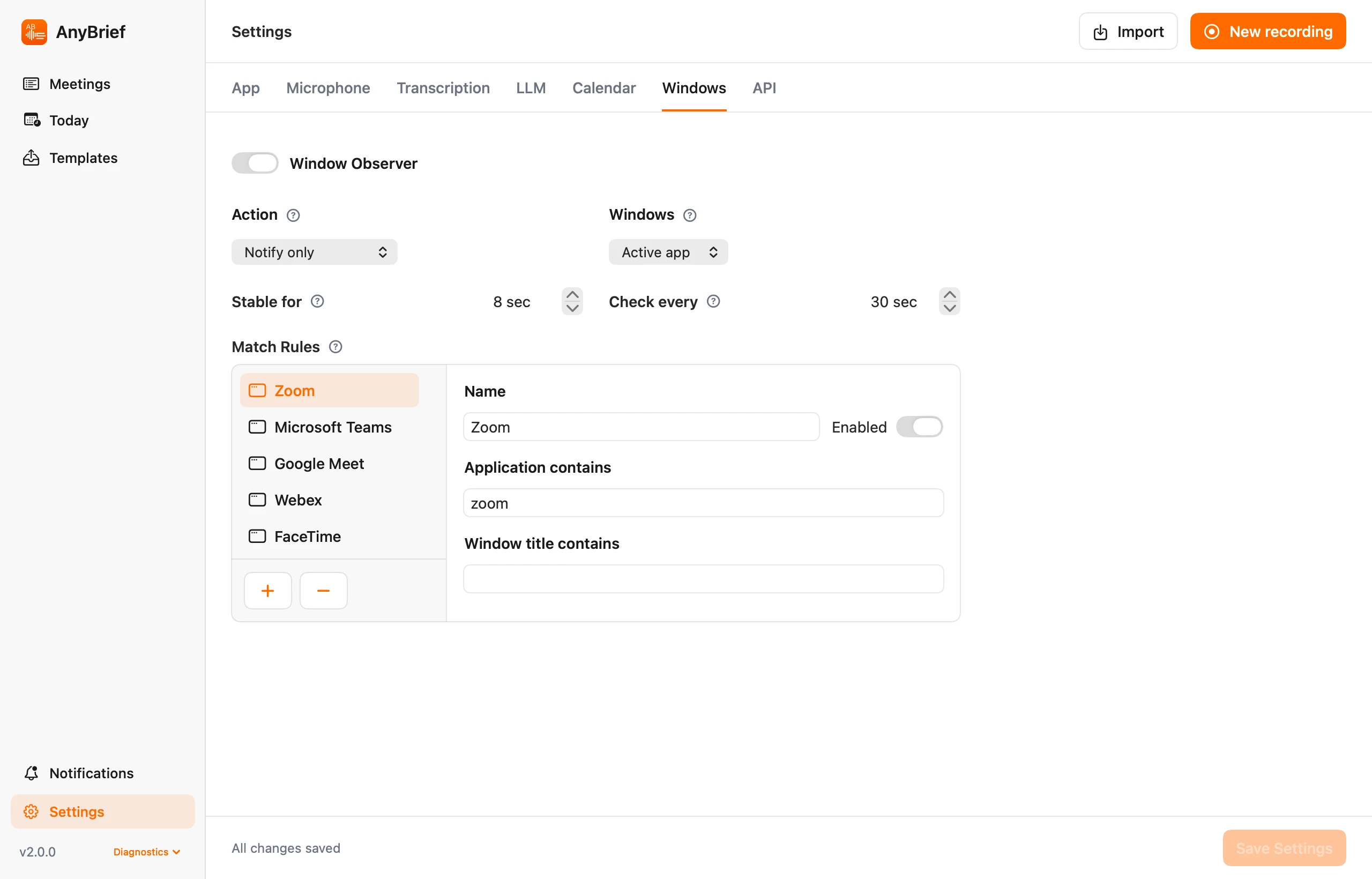
Window rules can suggest or start recording when a matching call window appears.
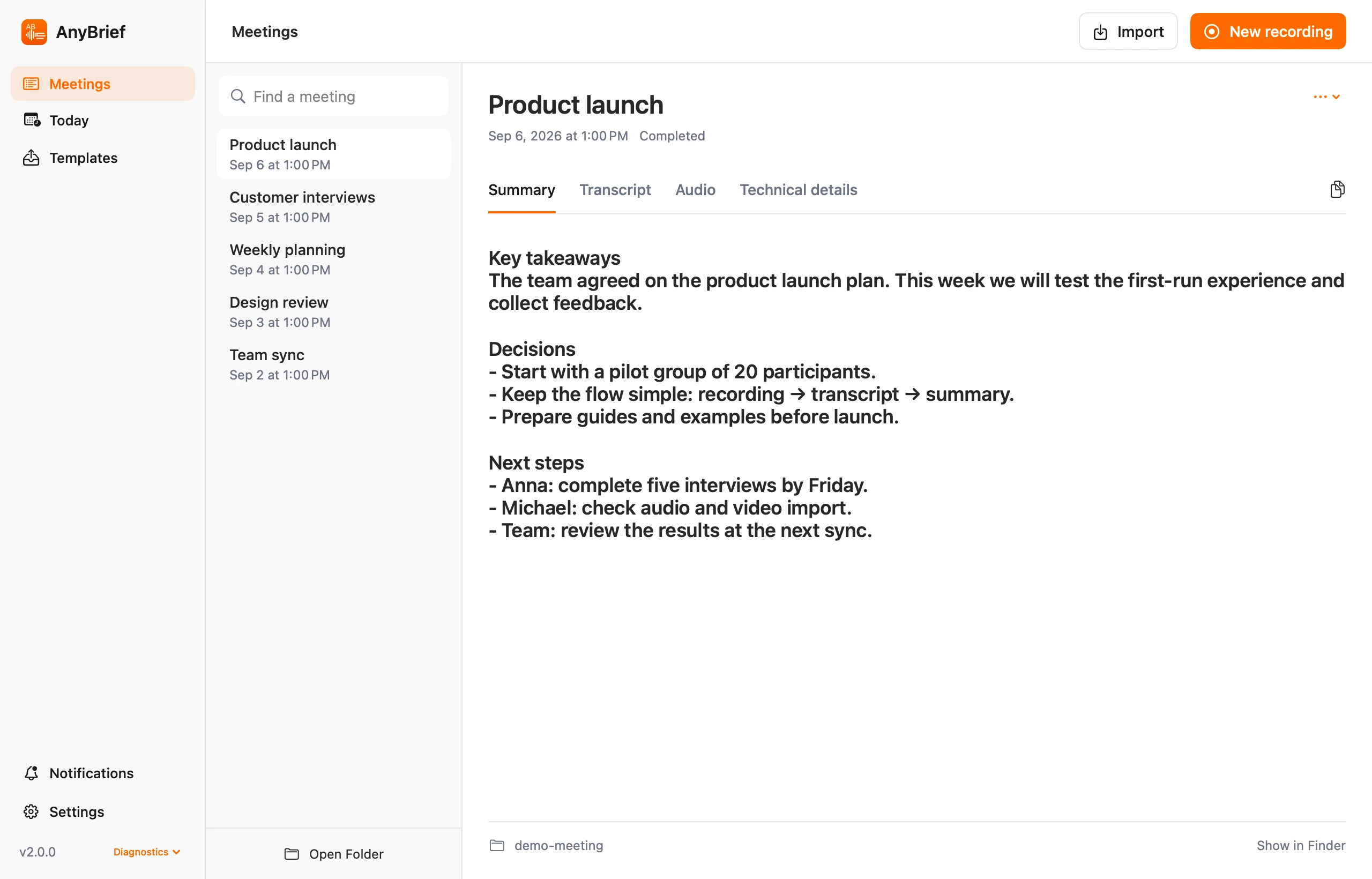
Save this structure in a prompt and adapt the fields to your sales process.
This is an illustrative draft. AnyBrief does not write to a CRM; verify facts, amounts, dates and commitments against the transcript or audio.
No. It is a personal Mac tool for recording, transcripts and documents. It does not provide a CRM, team analytics or agent scoring.
Yes. Post-processing rules export the transcript, summary or both into an existing folder.
Recording rules depend on your country and context. You are responsible for consent and lawful use.
Record and process conversations on your Mac.