Audio and video to text
Import an existing file and get a local transcript; speaker separation is optional.
Convert a recording →Record a call on your Mac or import an existing file. AnyBrief creates a working transcript locally; speaker separation is optional, and a configured LLM can draft a document.
Version 2.1.6 · macOS 14 or newer · Developer ID signed and Apple notarized · Apple Silicon and Intel Macs.
One recording can become a working transcript and, with a configured LLM, a draft of meeting minutes, a client brief, study notes or interview analysis.
Import an existing file and get a local transcript; speaker separation is optional.
Convert a recording →Recognize audio on your Mac and choose separately whether transcript text uses a local or configured LLM.
See how data is processed →Choose a model and language, use Metal and local diarization without terminal setup work.
Set up Whisper →Capture decisions, action items, owners, deadlines and open questions using your template.
Draft meeting minutes →Keep customer needs, objections, commitments and the next step after every call.
Create a client brief →Keep a working transcript and draft definitions, key ideas and review questions.
Create study notes →Separate speakers and extract themes, quotations, observations or findings.
Process an interview →Version 2 brings the whole meeting workflow together, from recording or import to finished documents.
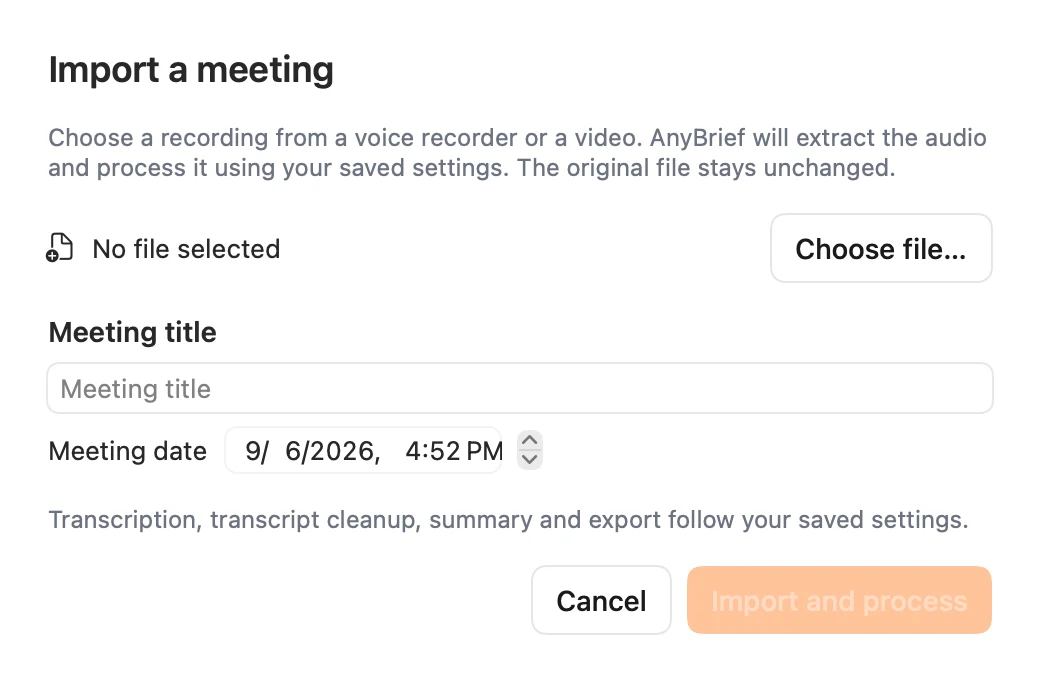
Import a voice recording or video and choose its title and date. AnyBrief extracts the audio and runs the usual processing workflow. Your original file stays unchanged.
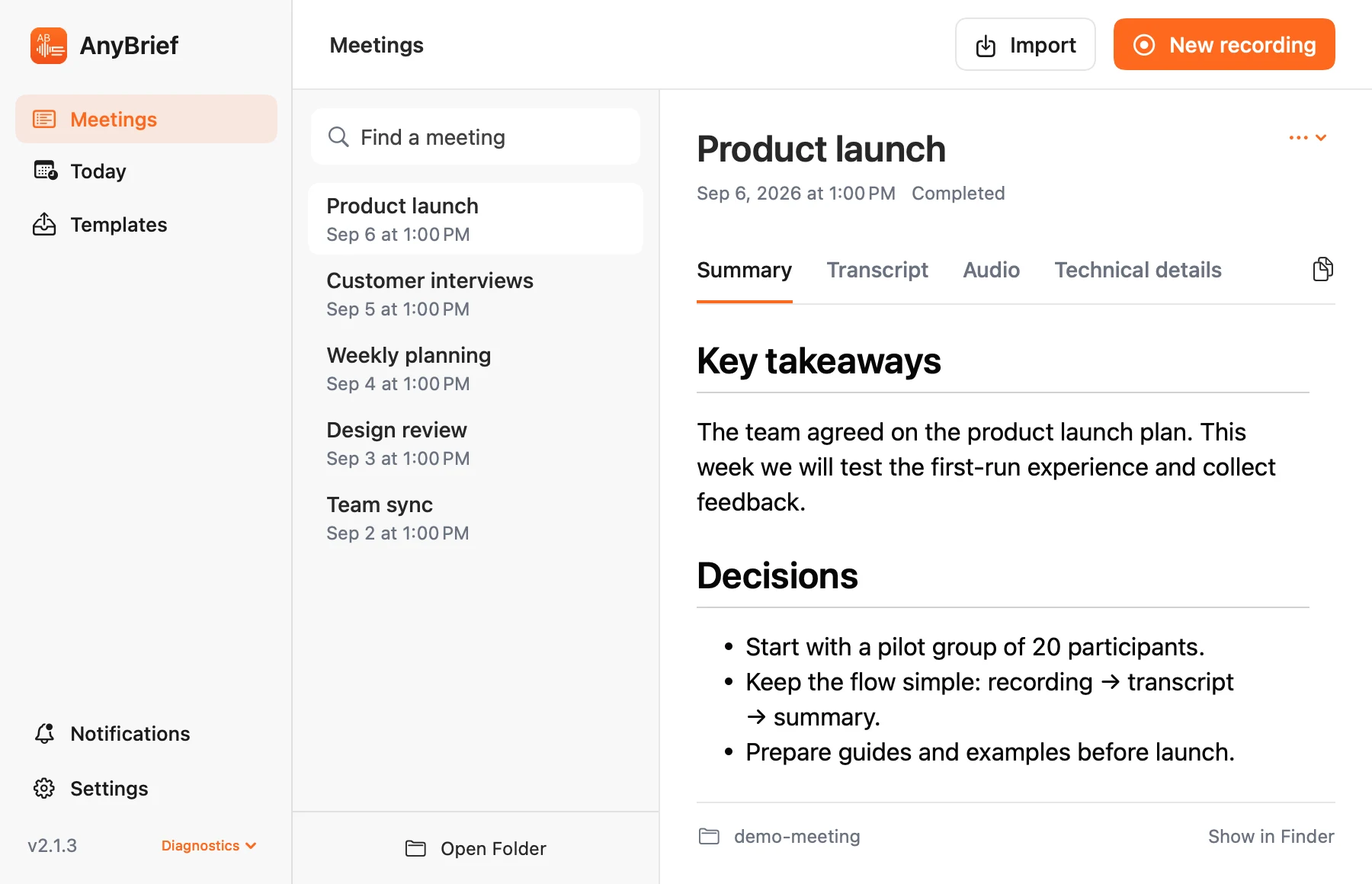
Summary, transcript, audio and technical details live in tabs within each meeting. Search titles, resize the list and copy the text you need.
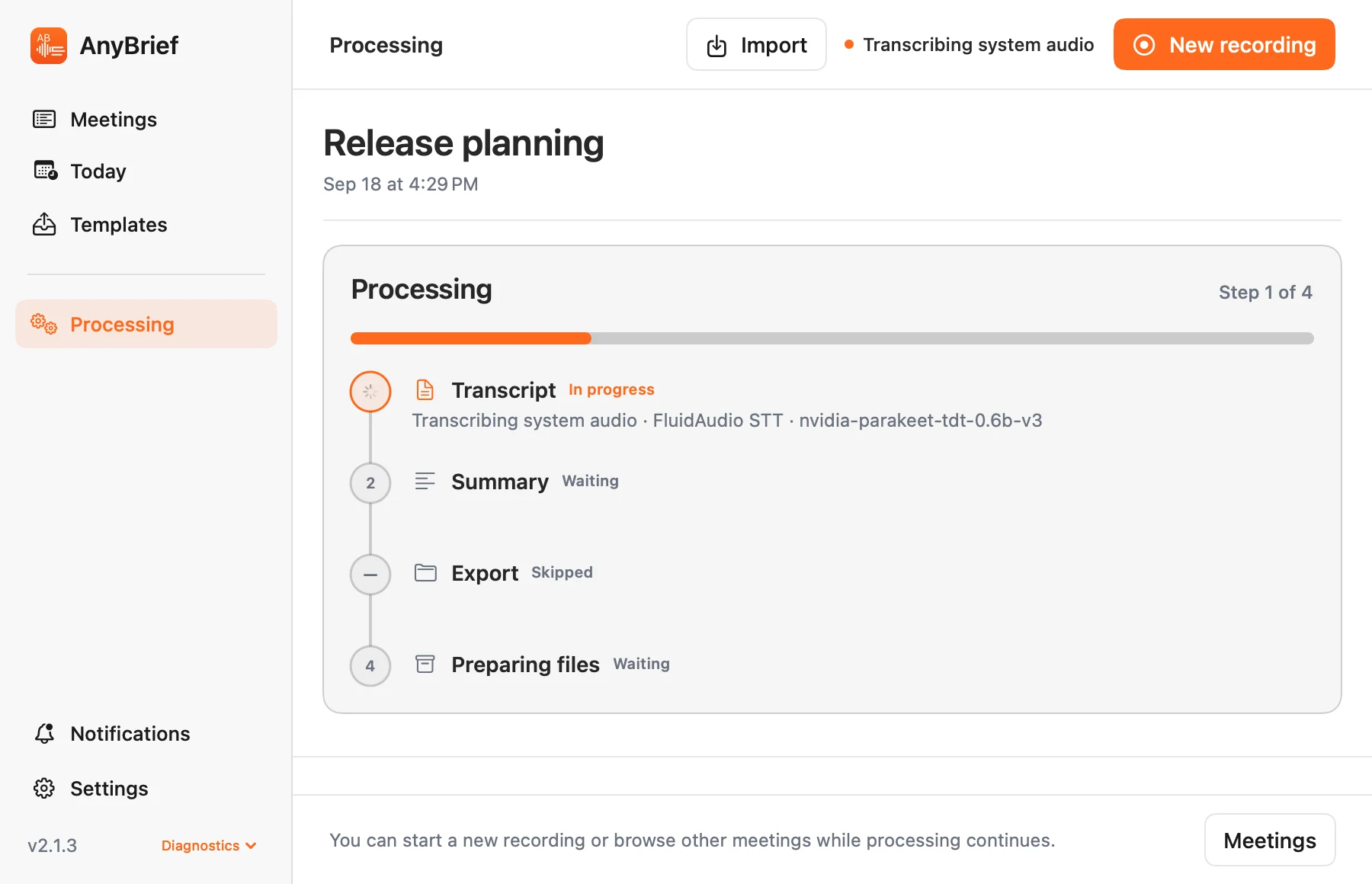
Start a new recording while the previous meeting is processing. The current recording and processing meeting have separate sidebar entries.
Choose your appearance in Settings. Both themes cover the workspace, documents, lists and controls.
Missing a permission, speech model or LLM connection? A short hint explains the next step and opens the right settings. Find the overall readiness check in Diagnostics.
Connect Ollama, a compatible API, Codex or Claude Code. CLI settings link to a setup guide, and a chain of connections can fall back to the next one on failure.
Choose a prompt, LLM and speaker context for summaries. Configure transcript cleanup separately. Title rules can select the right prompt for each meeting.
Save summaries, transcripts or both automatically using rules. Choose a folder and filename template while keeping the local meeting materials.
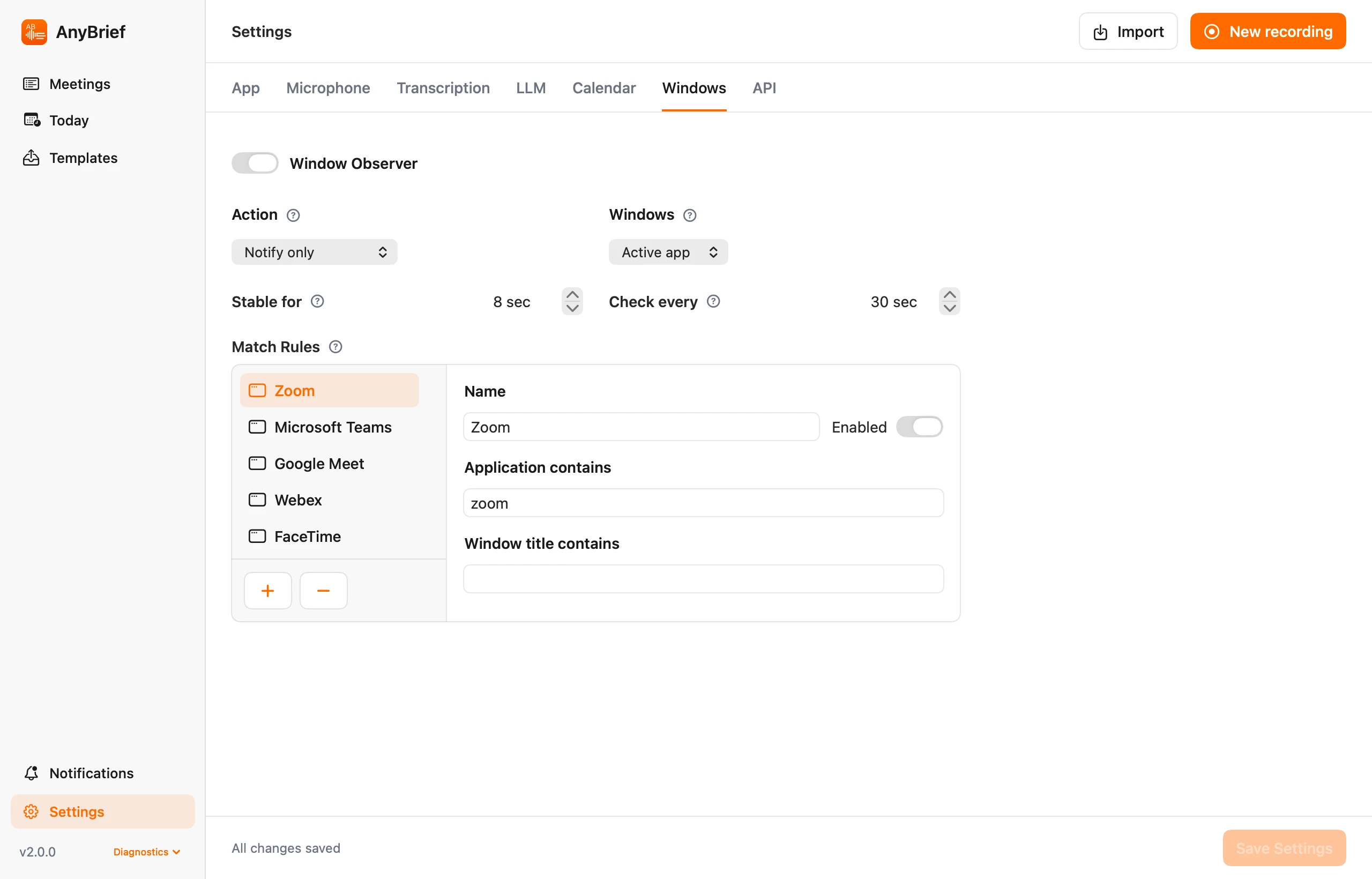
CalDAV calendar, window watching and a local API. Window presets include Zoom, Teams, Meet, Webex, FaceTime, Telemost and Kontur.Talk.
One workflow for a live call or an existing recording.
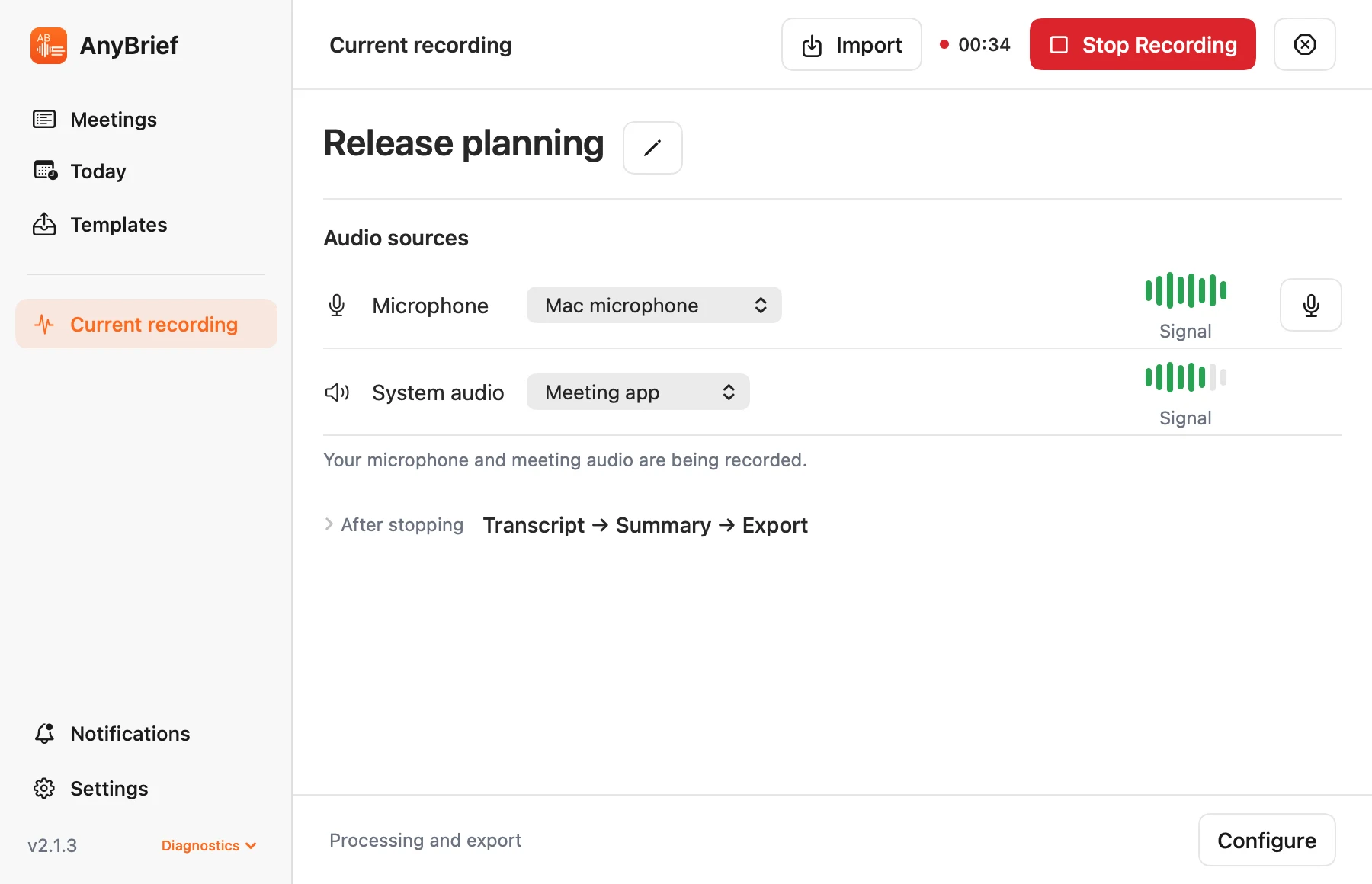
Record system audio and microphone into separate tracks. Start manually or automatically, or add an existing audio or video file.
Your chosen local engine recognizes speech. If setup is incomplete, the app explains the next step.
Create a summary with your LLM, listen to individual tracks and export documents using rules.
Real AnyBrief 2 screens with demonstration data. Select an image to view it at full size.
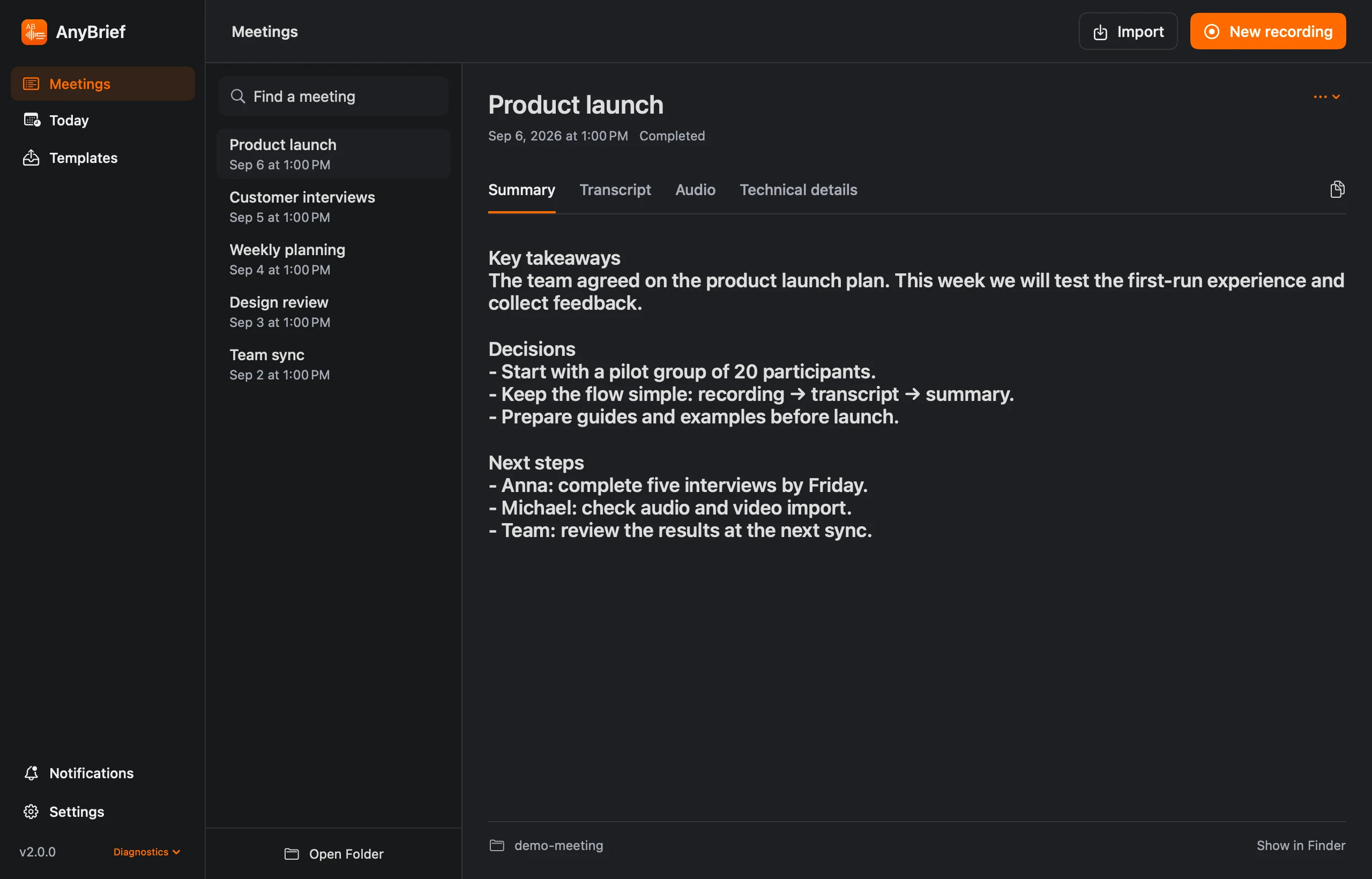
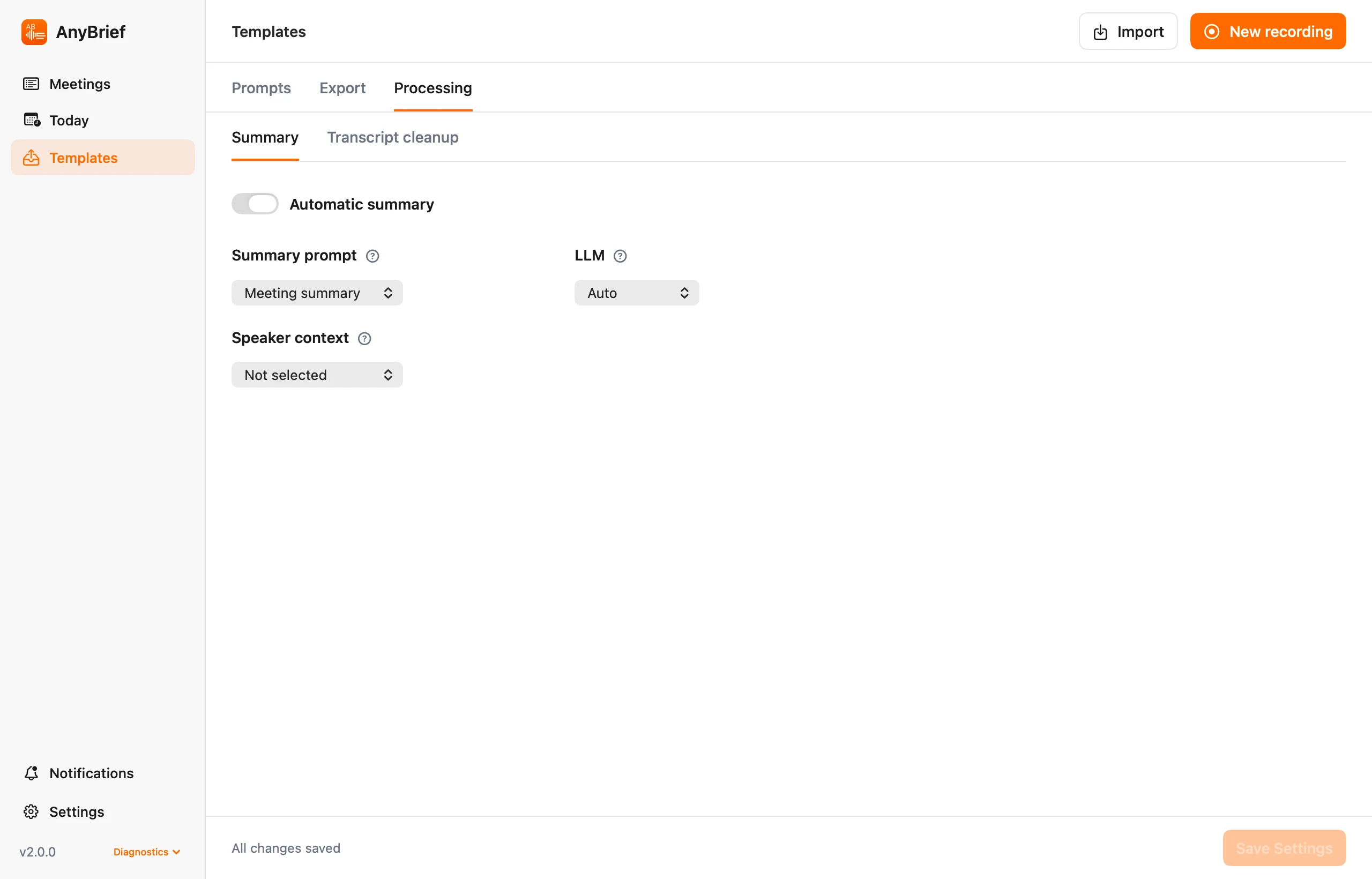
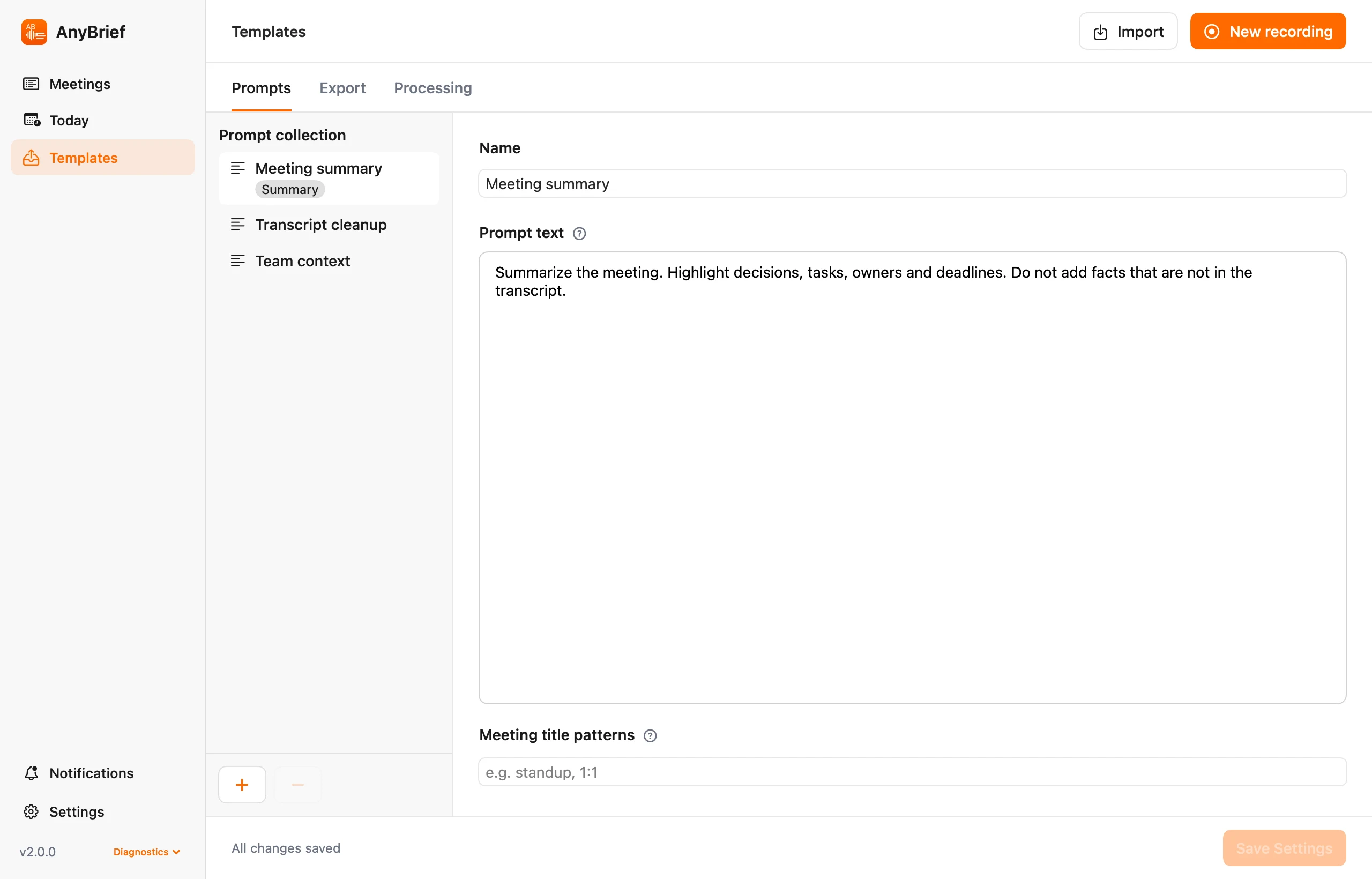
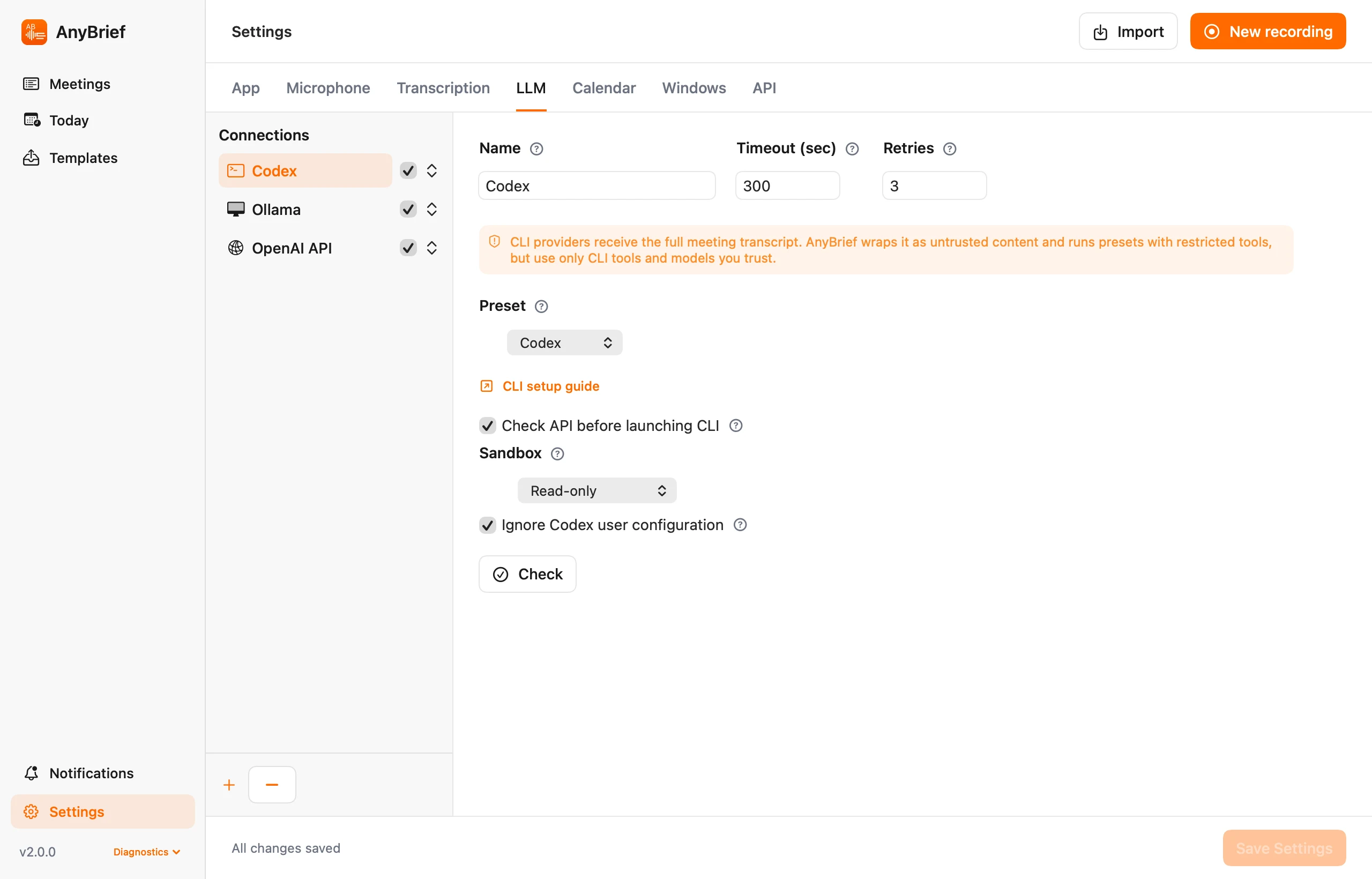
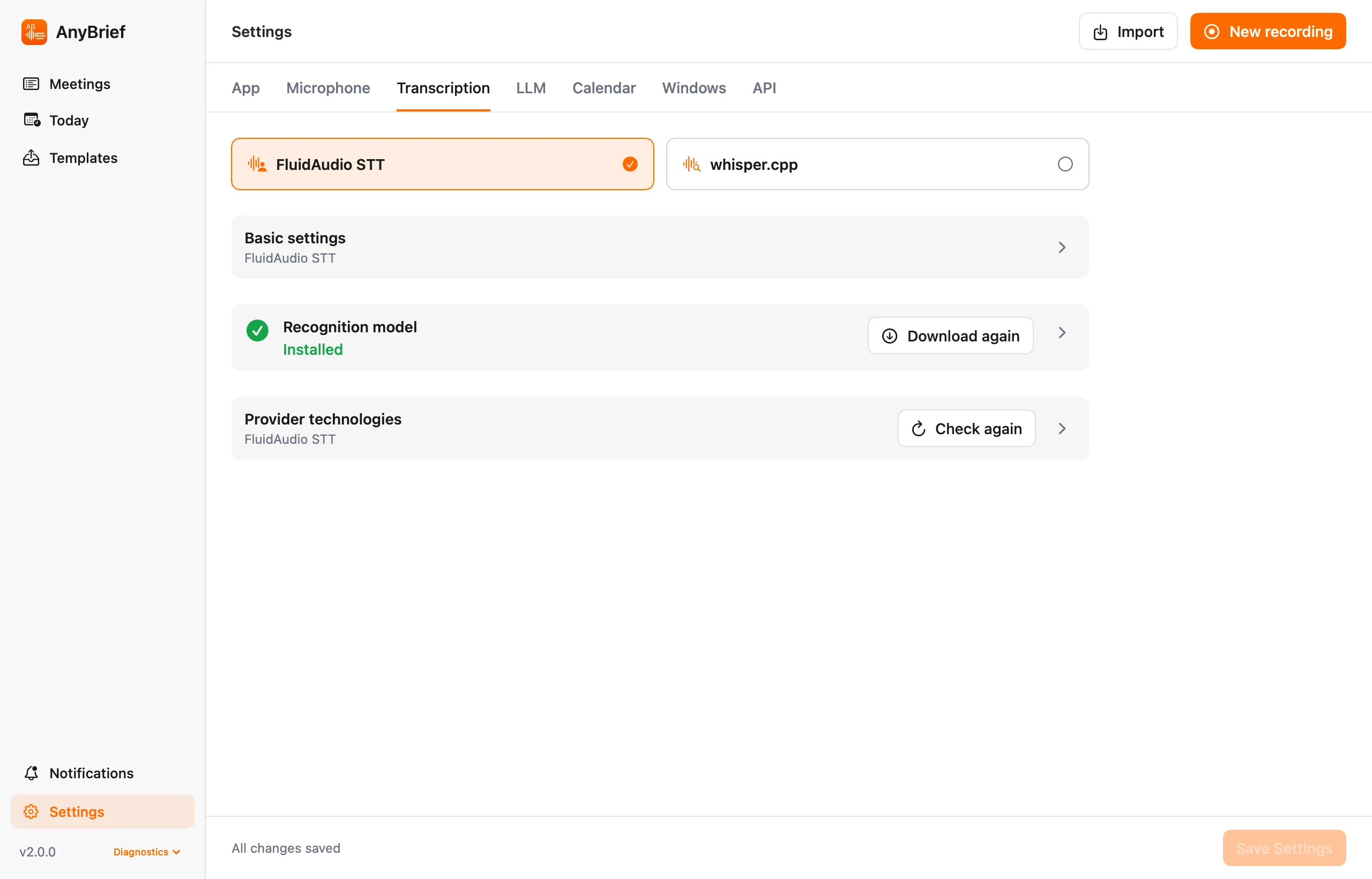
Choose explicitly between FluidAudio and whisper.cpp. Recognition settings, model management and technology checks are grouped into separate panels.
Audio is recorded and transcribed locally. Transcript text is sent to your selected LLM provider when you configure and run processing. Use Ollama to keep summaries local too.
CLI sign-in can use your subscription within its limits. API keys and extra credits have separate billing. The guides cover installation, sign-in and AnyBrief configuration.
CLI setup guides →Version 2.1.6: reliable AirPods recording, automatic Bluetooth microphone recovery and interface refinements.