Open AnyBrief
Install the signed and notarized build on a Mac running macOS 14 or newer.
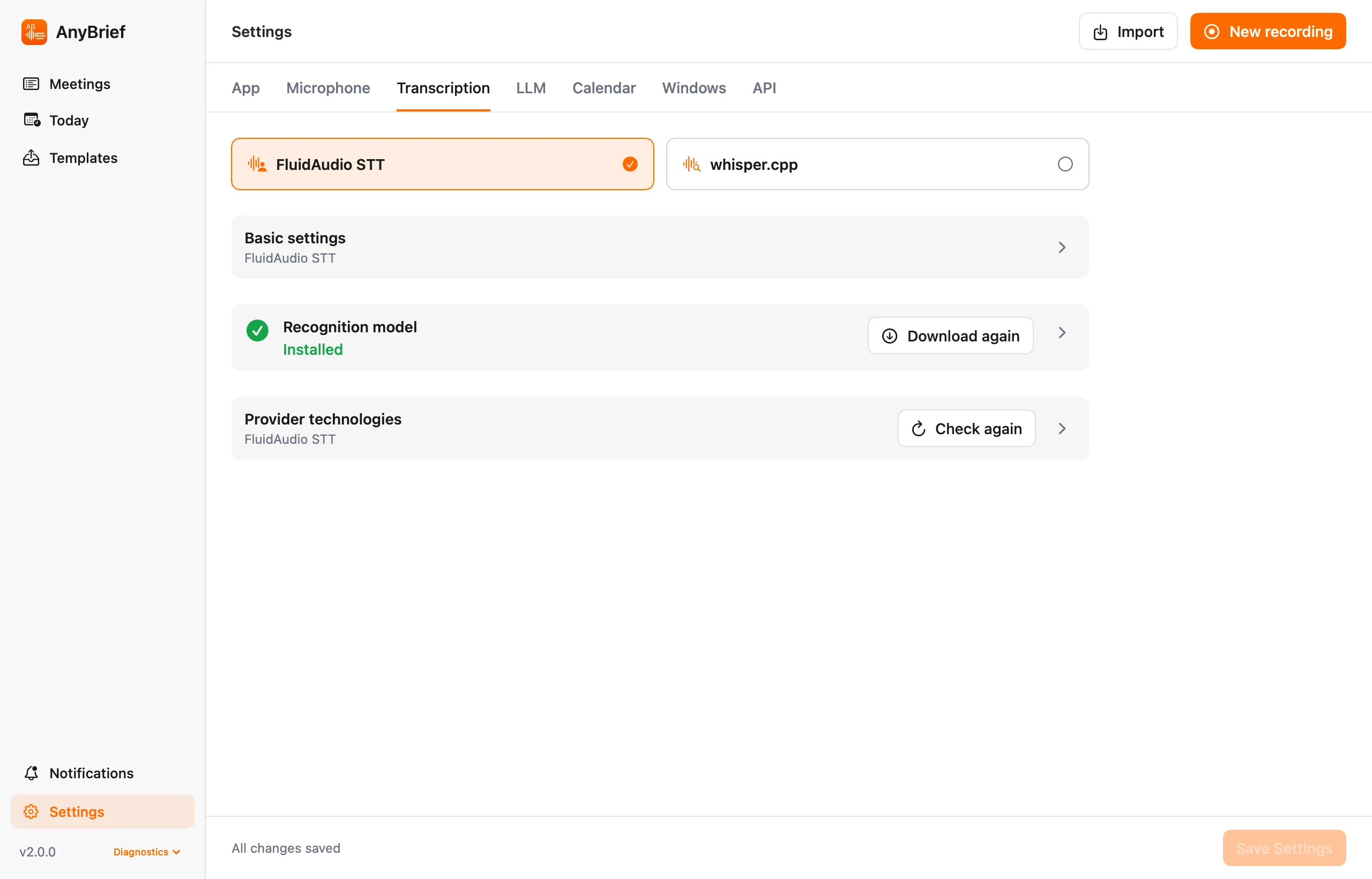
Choose the model and language in AnyBrief, then import a recording or capture a meeting. Local transcription uses the same processing workflow as recorded meetings.
Free beta · macOS 14+ · Apple Silicon and Intel
No command line required.
Install the signed and notarized build on a Mac running macOS 14 or newer.
Choose a Whisper model and language in Recognition settings, enable Metal acceleration if needed, and download missing models.
Import audio or video, or start recording. Once models are present, speech recognition runs locally.
An app workflow around the local model rather than a one-off transcript command.
Select a Whisper model and language, and enable Metal acceleration when needed. Readiness checks cover tools and local model files; internet is needed for initial model downloads.
Required Silero VAD removes silent regions before recognition to reduce the risk of invented phrases.
When enabled, Whisper word timestamps are aligned with local voice analysis. This separates turns but does not identify people.
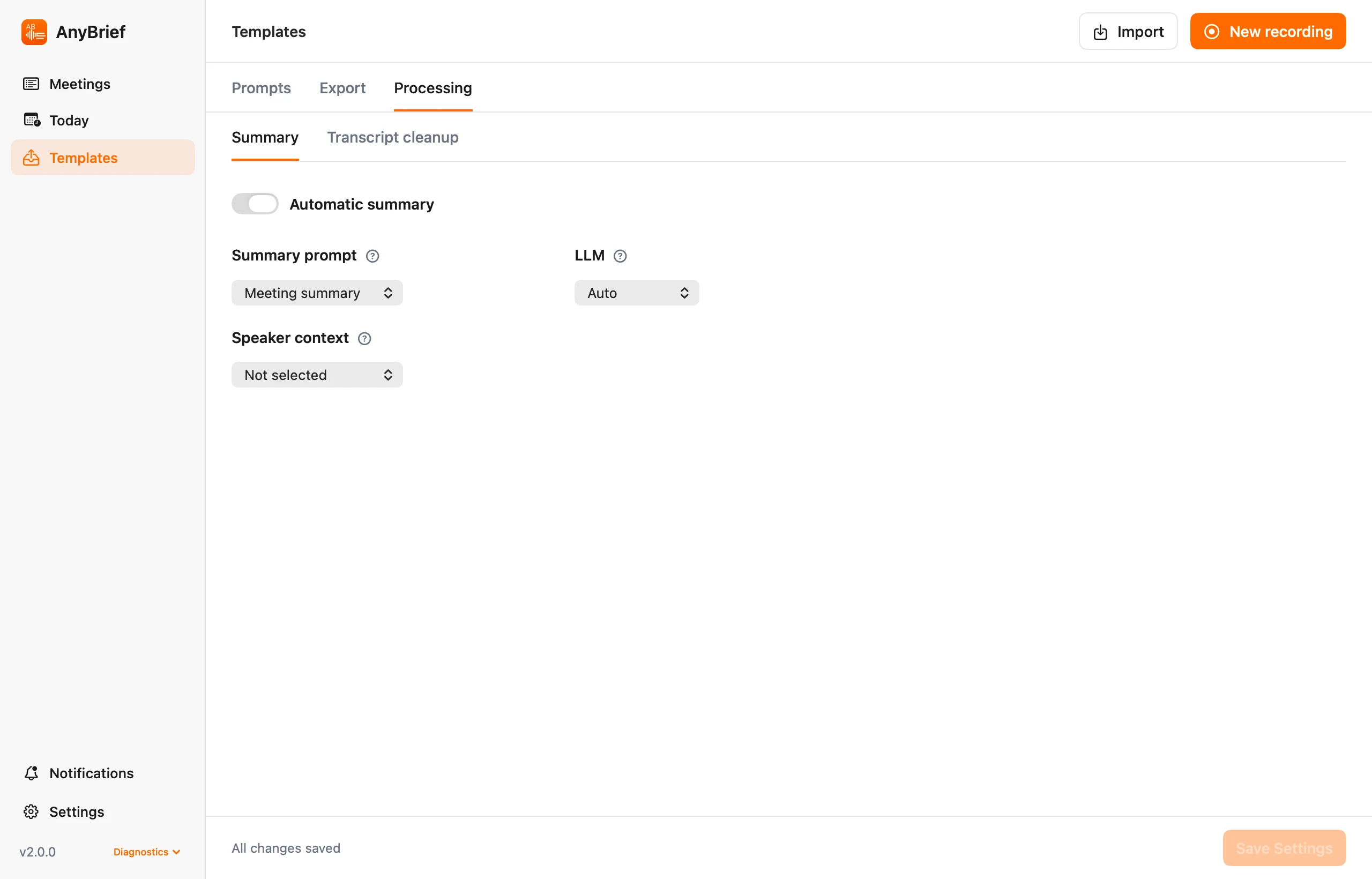
Recognition runs locally. Internet is needed to download a missing model and for a remote LLM only if you choose one.
AnyBrief supports Apple Silicon and Intel Macs. Speed depends on the computer and selected Whisper model.
Yes. AnyBrief also supports FluidAudio STT as a separate local transcription provider.
Set up the model once and process meetings and files.