Transcribe audio locally on your Mac
For meetings and recordings you cannot or do not want to send to a third-party transcription service. AnyBrief runs speech recognition on-device and stores the working files locally.
Control each stage
Audio is recognized locally; text processing is configured separately.
- Recording and import
- Audio stays on the Mac. An imported original is not changed; meeting materials are stored under
~/anybrief. - Speech recognition
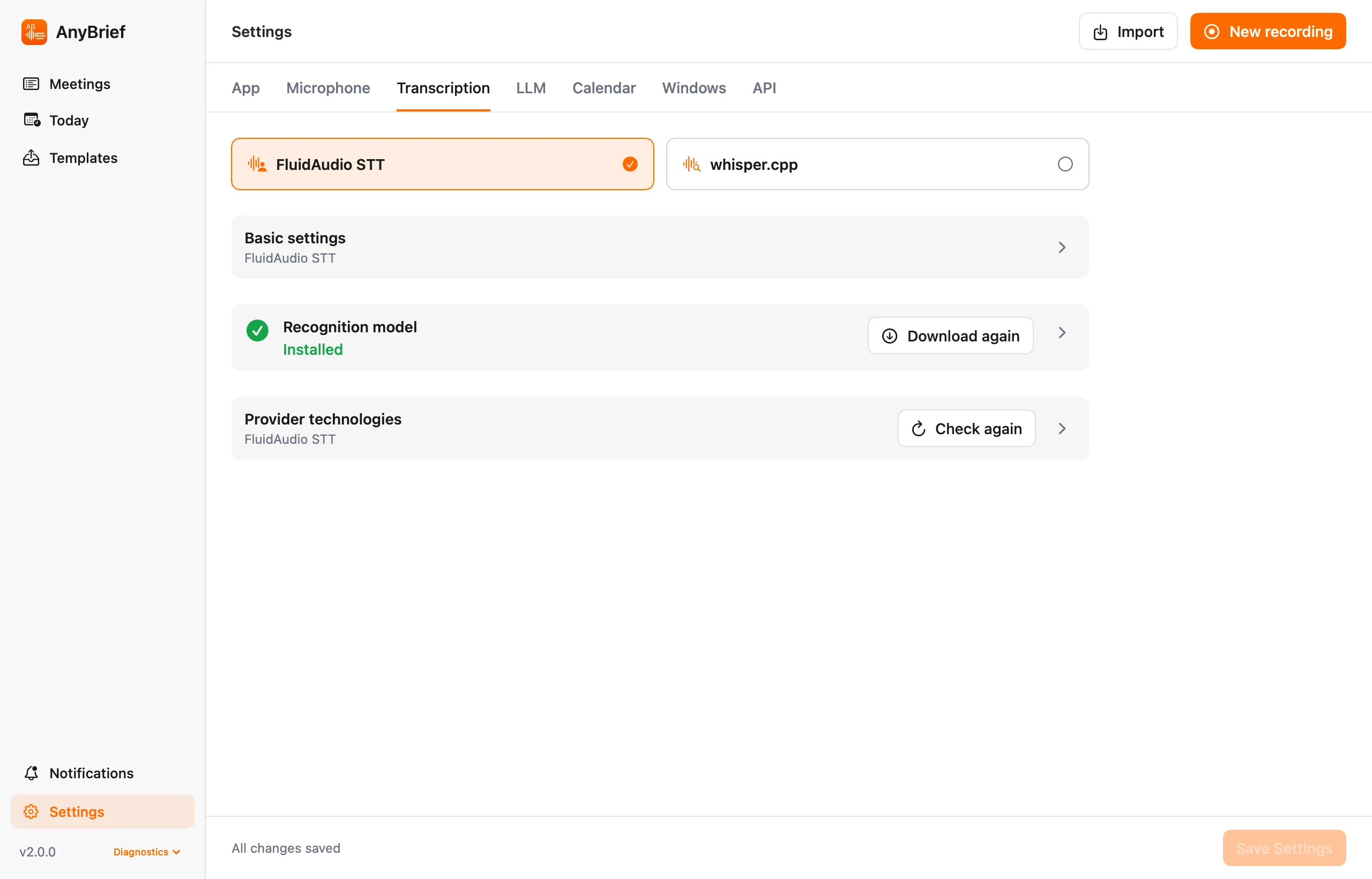
- FluidAudio or whisper.cpp runs locally. Internet access may be needed for the initial download of selected models.
- Cleanup and summary
- Ollama keeps text processing local. If you choose an API, Codex or Claude Code CLI, transcript text is available to the provider you configured.
- Export
- A rule copies only
transcript.txt,summary.md, or both to an existing folder. It does not export audio or move the local meeting.
What to expect from the result
Recognition is not a verbatim guarantee
Noise, overlapping speech, accents and technical terms affect quality. Check uncertain wording against the saved audio or repeat recognition with another model.
Diarization separates voices, not identities
When enabled, it assembles turns from different voices but does not know participants' real names. Names and roles can be supplied as context for the final document.
The raw transcript is preserved
AnyBrief stores transcript_raw.txt before LLM cleanup. If cleanup fails or retains less than half of the transcript text after whitespace is removed, AnyBrief rejects the cleaned version and keeps the raw transcript as the working version.
Questions about local transcription
Which engine should I choose?
FluidAudio is a straightforward option on compatible Macs. whisper.cpp offers model and language choices. Both are configured inside AnyBrief.
Can an LLM clean up the transcript?
Yes. Transcript cleanup is separate from summarization and uses the prompt and connection you select. The raw version remains stored separately.
Which macOS version is required?
AnyBrief runs on macOS 14 or newer, on Apple Silicon and Intel Macs.
Transcribe a recording locally
Free beta for macOS 14 or newer, Apple Silicon and Intel.