Decisions
Capture what the team agreed on, which options it rejected and why.
Record the meeting or import an existing file. AnyBrief keeps a working transcript, while your configured LLM can draft decisions and next steps.
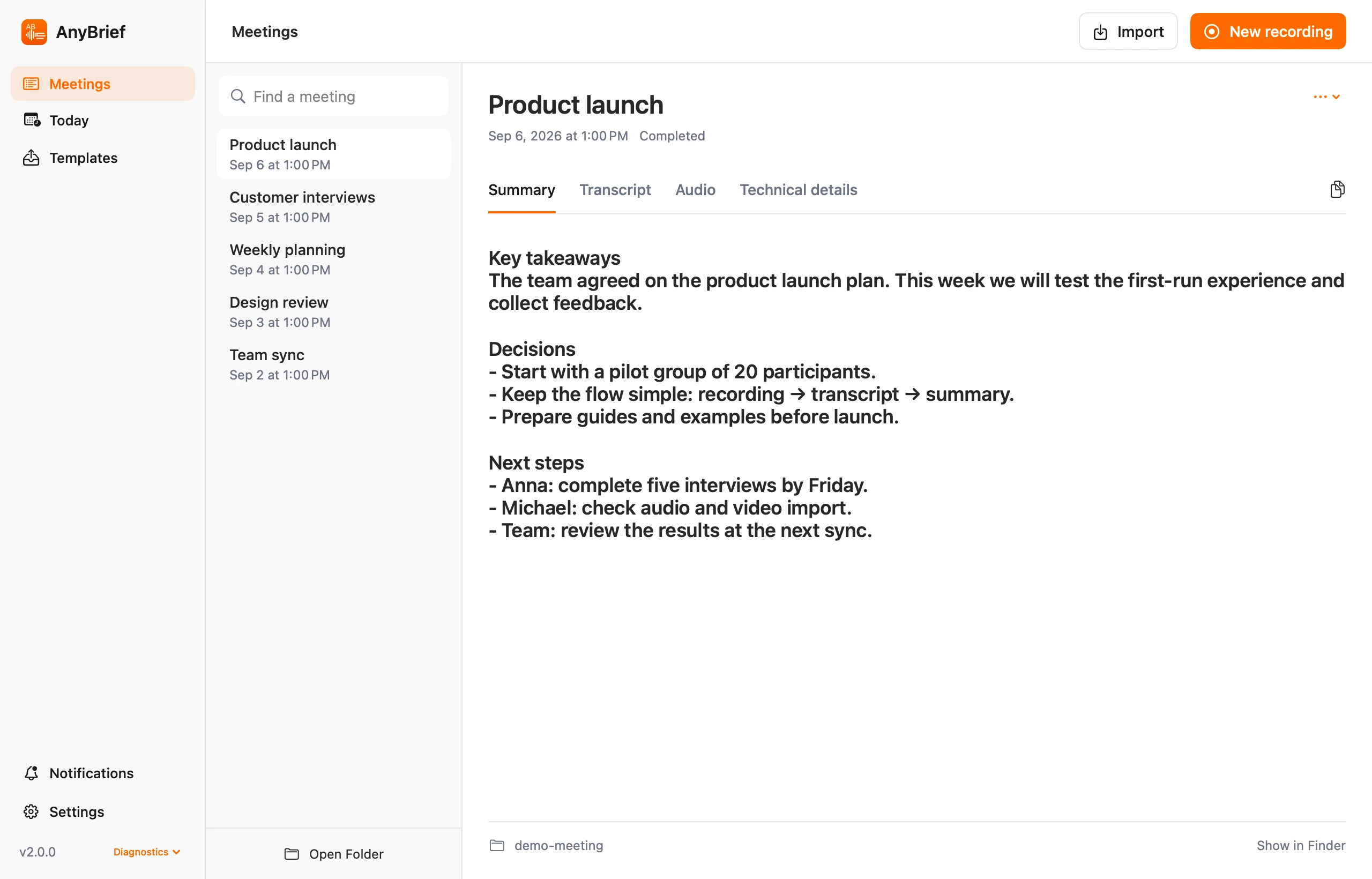
The working transcript remains available, so uncertain statements can be checked against the recording.
Capture what the team agreed on, which options it rejected and why.
Structure tasks, owners, deadlines and dependencies using your prompt.
Keep unresolved topics visible instead of burying them in a generic recap.
Save prompts for project updates, weekly planning or leadership reviews. Title patterns can select the right one automatically.
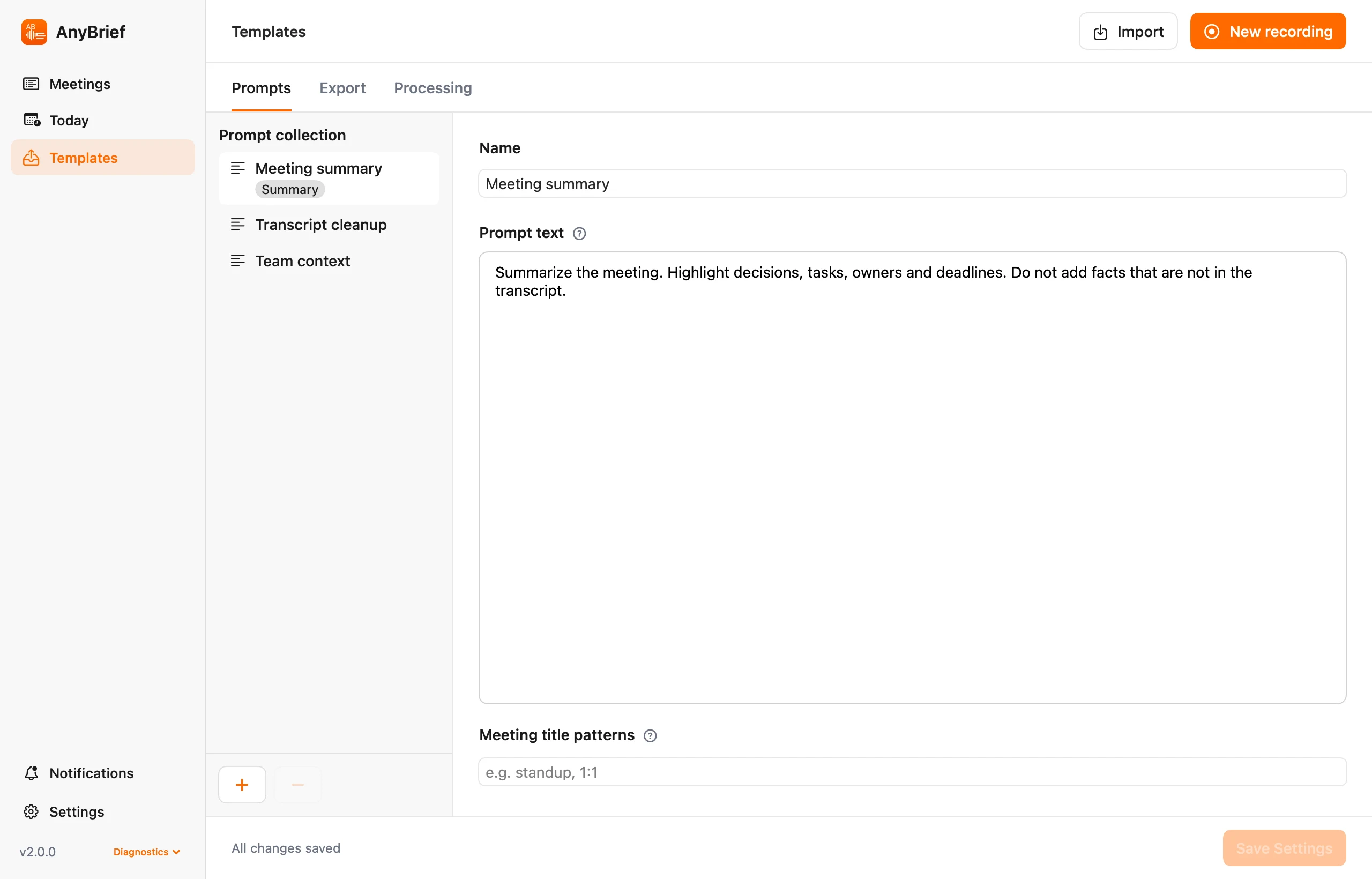
Your prompt controls the fields and their order.
Illustrative content, not output from a real meeting. An LLM can misstate facts, owners and dates; check the draft against the transcript and recording.
Speech recognition is local. Use local Ollama for minutes, or configure your own cloud API or CLI provider.
Yes. Automatic summaries are optional, and the transcript can be read or exported on its own.
No. AnyBrief creates a draft from the recording. Review and approve high-stakes documents under your organization's rules.
Keep the meeting, transcript and minutes together.