Transcript
A local model converts speech to text. Speaker separation is available for discussions.
Add audio from a recorder or a video. AnyBrief transcribes it locally, keeps a working transcript, and lets your configured LLM draft definitions, key ideas and review questions.
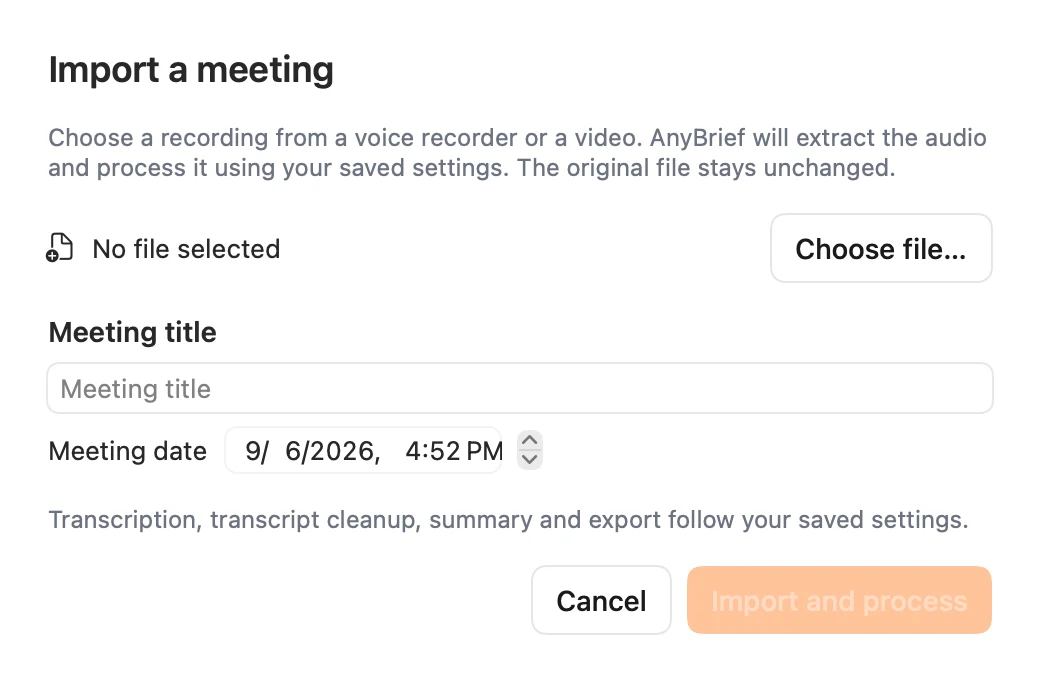
Review the topic quickly, then check uncertain wording against the saved recording.
A local model converts speech to text. Speaker separation is available for discussions.
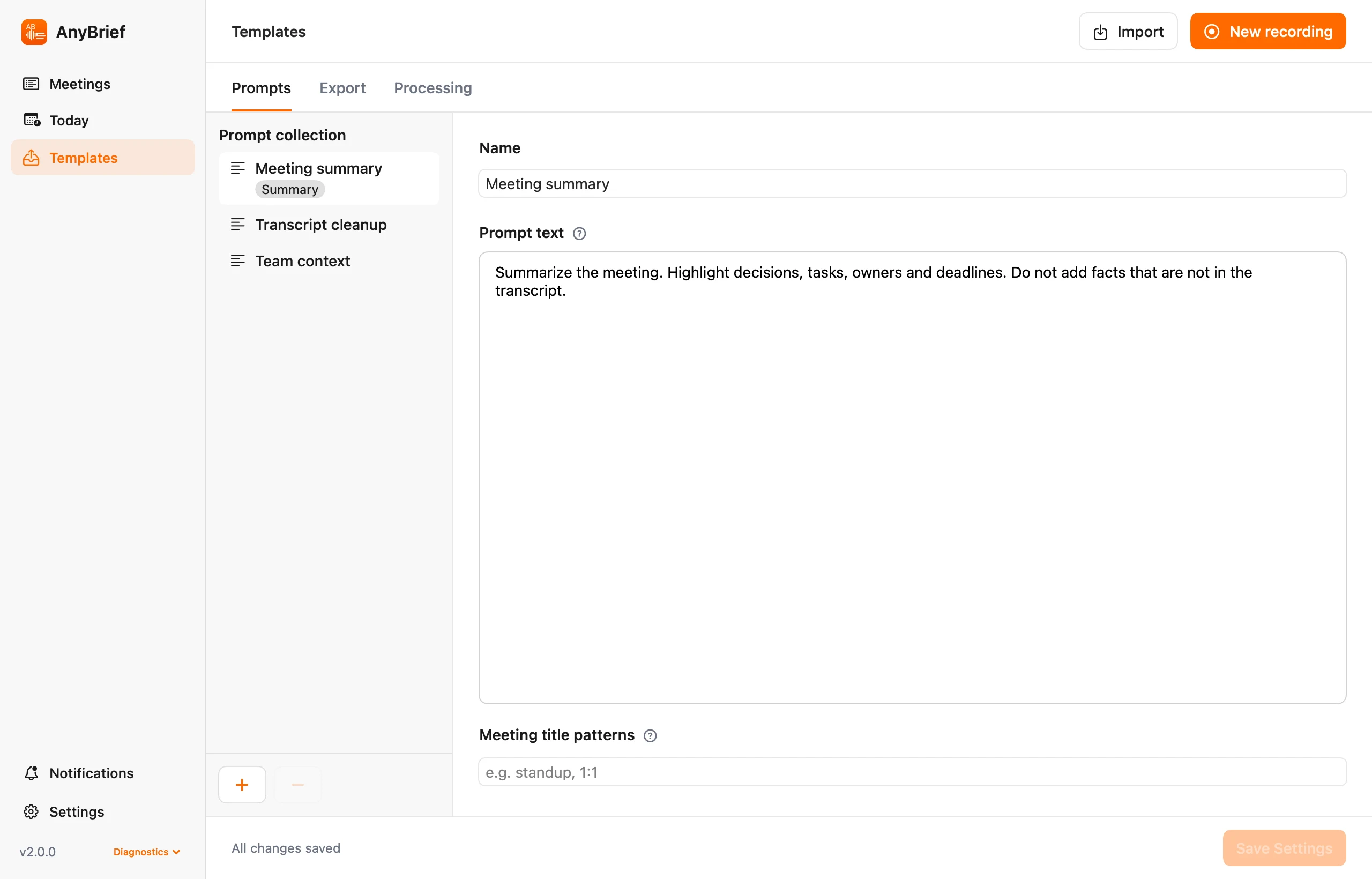
Define a structure for topics, definitions, formulas, examples, reading and practice questions.
Find lectures by title, listen to audio and export text materials to your own folder.
Save a study-note template and match it to lecture titles. Create a different structure for another subject.
Yes. Processing time depends on your Mac, recording quality and recognition engine.
No. It is a macOS app. Transfer an iPhone or recorder file to your Mac and import it.
Use recording and AI tools only where your institution's rules allow them.
Import the file and keep the full text locally.